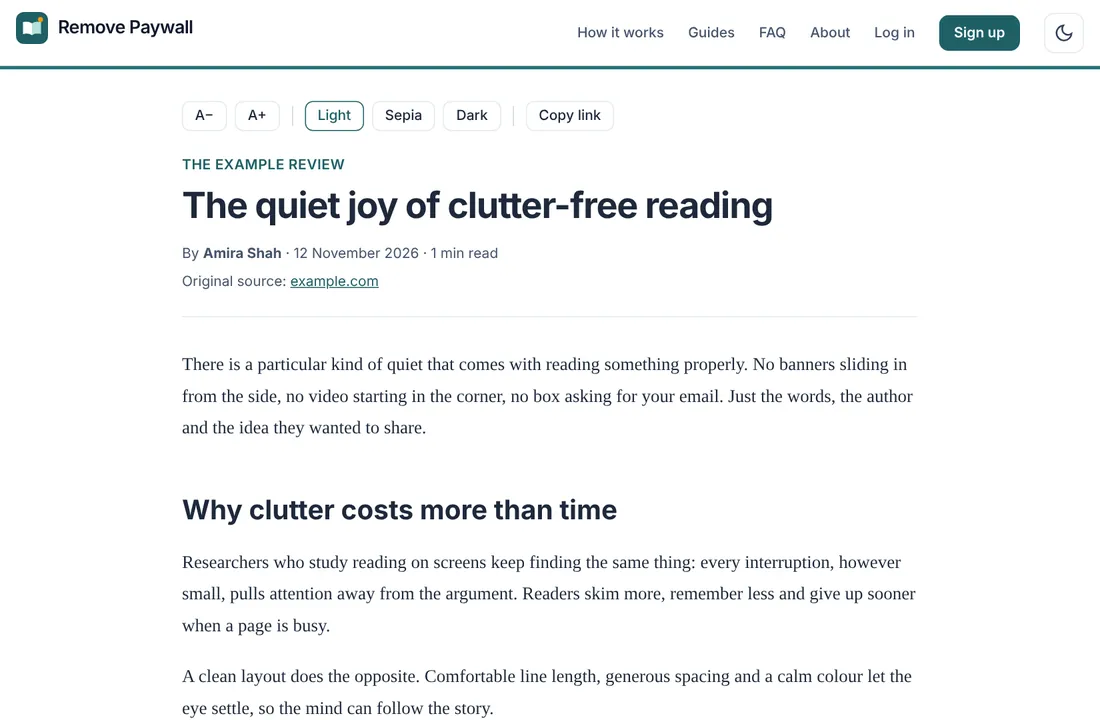
A clean, distraction-free reader
- ✓ Text, headings and images only: no pop-ups or autoplay
- ✓ Light, sepia and dark themes, adjustable text size
- ✓ Author, publisher, date and original link always shown
Free · Legal · No extension
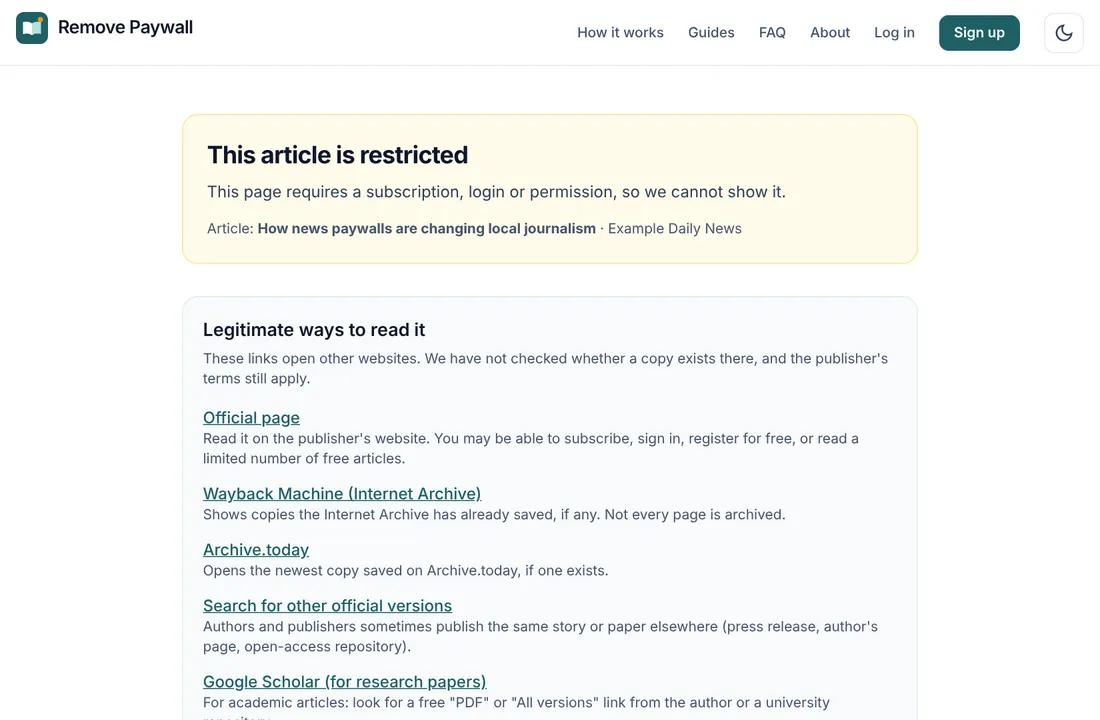
Paste any article link. Public articles open in a clean, ad-free reader. Restricted ones get instant, legal options: the official page, web archives and other free versions.
Up to 5
legal options per restricted link
0
ads or third-party trackers
3
reader themes + dark mode
$0
no extension, no card
How results work
We open the page exactly as a visitor without an account would see it. Nothing more.
Three steps
Paste a link
Copy the address of any online article and paste it into the box.
We check it safely
We check the link is safe and open the page only if it is publicly available.
Read or discover
Read it in the clean reader, or pick one of the legal options for restricted pages.
The honest alternative
Tools that defeat paywalls often stop working and can break a site's terms. Remove Paywall takes the legal route instead. Read the full guide.
Students
Find free, legal copies of sources for essays and assignments, and read them without distractions.
Researchers
Jump to Google Scholar, open versions and archived copies of a paper or report.
Journalists & writers
Check archived versions of a page and cite sources with confidence.
Everyday readers
Read public articles in peace: no pop-ups, no autoplay, easy on the eyes at night.
Trust & privacy
We respect readers and publishers alike. Here is exactly what we do and do not do.
Learn
Practical, legal ways to read more without paying for every subscription.
7 min read
How to Read Paywalled Articles Legally (10 Free Methods)
Ten free and legal ways to read articles behind a paywall: free article limits, gift links, archives, library access, open versions and more.
7 min read
How to Read Research Papers for Free (Legally)
Find free, legal copies of academic papers: open access, preprints, author copies, Google Scholar "All versions", PubMed Central, library access and more.
5 min read
Read Newspapers and Magazines Free With Your Library Card
Your public or university library may give you free access to major newspapers, magazines and journals online. Here is how to find out and sign in.
5 min read
How to Use the Wayback Machine to Find Old Web Pages
A beginner guide to the Internet Archive's Wayback Machine: find saved copies of a page, read the calendar, save a page yourself and understand its limits.
No. Despite the name, we never bypass paywalls, logins or subscriptions. We show publicly accessible articles in a clean reader and, for restricted articles, point you to legal ways to read them.
Yes. Checking links, the reader and the legal options are free. A free account adds saved articles and reading history.
No. It works in any browser on phone, tablet or computer. Just paste a link.
Any public article page that we can read. Pages behind a login or subscription are never shown, and some pages built entirely with scripts cannot be read. We never claim every website works.
Links to the official page, saved copies in the Wayback Machine and Archive.today, a search for other official versions, and Google Scholar for research papers, plus tips such as library access.
We use no ads and no third-party tracking or analytics scripts. Like every website, our hosting provider keeps standard server logs (such as IP addresses) for security, and we keep a minimal record of processed links to run and protect the service. See the privacy policy for details.
Free, private and legal. No sign-up needed.